

| Bluetooth typical range | Up to ~30 feet (10 meters) (Varies by Bluetooth version and environment) |
| NFC maximum range | Under 4 centimeters (NFC Forum specification) |
| Wi-Fi indoor range (typical) | Up to ~150 feet from router (Varies by router hardware and building materials) |
| Current Wi-Fi generation | Wi-Fi 6 (802.11ax) and Wi-Fi 6E (Wi-Fi Alliance) |
| NFC primary consumer uses | Contactless payments, transit cards, smart tags |
| Bluetooth 5.0 max theoretical speed | ~50 Mbps (Bluetooth SIG specification) |
Three Radios, One Device
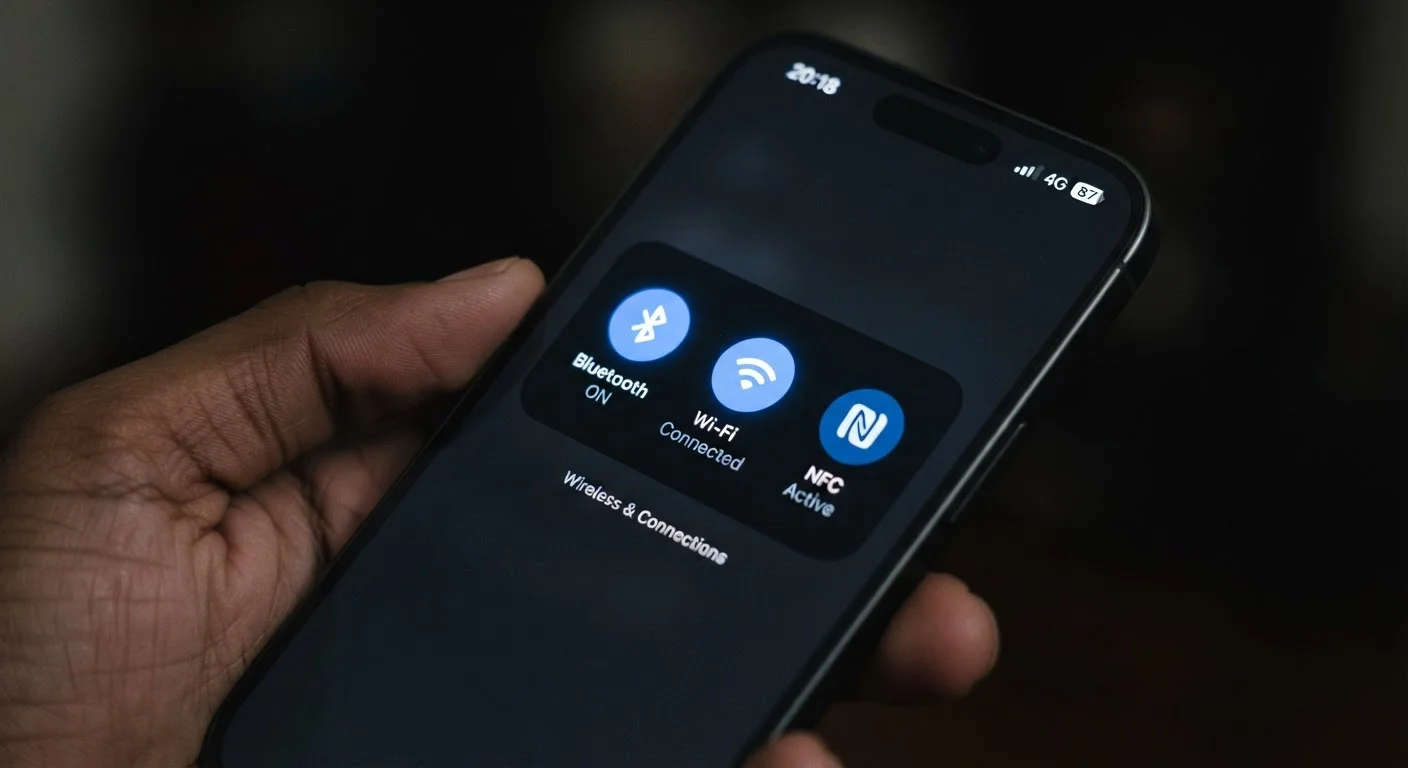
Your smartphone contains multiple wireless radios operating simultaneously - each tuned for a different purpose and a different range. Bluetooth, Wi-Fi, and NFC are the three you interact with most, often without realizing it. Understanding what separates them helps you troubleshoot connection problems, use your phone more effectively, and make smarter decisions about the wireless features you depend on every day.
| Bluetooth typical range | Up to ~30 feet (10 meters) (Varies by Bluetooth version and environment) |
| NFC maximum range | Under 4 centimeters (NFC Forum specification) |
| Wi-Fi indoor range (typical) | Up to ~150 feet from router (Varies by router hardware and building materials) |
| Current Wi-Fi generation | Wi-Fi 6 (802.11ax) and Wi-Fi 6E (Wi-Fi Alliance) |
| NFC primary consumer uses | Contactless payments, transit cards, smart tags |
| Bluetooth 5.0 max theoretical speed | ~50 Mbps (Bluetooth SIG specification) |
These technologies don't compete with each other - they complement each other. Bluetooth handles short-range device pairing. Wi-Fi handles high-speed internet access. NFC handles instantaneous close-contact data exchanges. Each fills a gap the others can't.
Bluetooth: Your Short-Range Device Network
Bluetooth is a short-range wireless standard designed to connect personal devices to each other without cables. Its effective range is typically around 30 feet (roughly 10 meters) for most consumer devices, though the exact distance varies by hardware version and environment.
Common Bluetooth uses include pairing wireless headphones or earbuds, connecting a keyboard or mouse, syncing a fitness tracker, and streaming audio to a portable speaker. When you answer a call through your car's audio system, Bluetooth is managing that connection.
Bluetooth versions matter: newer versions (Bluetooth 5.0 and later) offer better range, faster data transfer, and lower power consumption than older ones. Your phone's Bluetooth version is listed in its specifications, though most modern devices already support Bluetooth 5.0 or higher.
Bluetooth and Wi-Fi Can Interfere With Each Other
Both Bluetooth and older Wi-Fi (2.4 GHz band) operate in overlapping radio frequency ranges, which can occasionally cause interference. If you notice choppy audio on Bluetooth headphones while streaming over Wi-Fi, switching your router to the 5 GHz band - which Bluetooth does not use - often resolves the conflict. Modern devices are engineered to manage this interference, but it can still surface in congested wireless environments.
One common frustration with Bluetooth is pairing failures or dropped connections. These are usually caused by interference from other 2.4 GHz devices, low battery on the paired accessory, or an outdated Bluetooth profile. Clearing a device from your paired list and re-pairing often resolves persistent issues.
Wi-Fi: Your Gateway to High-Speed Internet
Wi-Fi connects your phone to a local area network - most commonly your home router or a public hotspot - which then routes data to the broader internet. Unlike Bluetooth, Wi-Fi is designed for speed and range, not just device-to-device communication.
Wi-Fi operates on two primary frequency bands: 2.4 GHz and 5 GHz. The 2.4 GHz band travels farther through walls but carries less total bandwidth. The 5 GHz band offers faster speeds over shorter distances. Many modern routers broadcast both simultaneously, and phones capable of connecting to both are described as dual-band.
Wi-Fi standards are labeled with a generation name - Wi-Fi 6 (802.11ax) and Wi-Fi 6E are the most current as of this writing, offering significantly faster throughput and better performance in crowded environments than older Wi-Fi 5 (802.11ac) hardware.
Wi-Fi calling - a feature that routes phone calls over a Wi-Fi network instead of a cellular signal - is one practical extension of this technology. See how Wi-Fi calling and VoLTE work for a detailed breakdown. You can also learn when your phone switches between Wi-Fi and cellular calls.
NFC: The Tap-to-Connect Standard
NFC (Near Field Communication) works at an extremely short range - typically 4 centimeters or less. That constraint is intentional: it ensures a deliberate, secure exchange between two devices or between a device and a tag.
NFC powers contactless payments (like tap-to-pay at a checkout terminal), transit card emulation, and the quick pairing of some Bluetooth accessories. It's also used in smart tags - small programmable stickers or cards that trigger actions on your phone when tapped.
Unlike Bluetooth and Wi-Fi, NFC doesn't require you to navigate settings menus or authenticate a connection. Physical proximity is the entire handshake. That simplicity is what makes it well-suited for payments and quick data transfers.
For a broader look at how your device handles data wirelessly - including streaming versus cached content - see how your device handles media. And if carrier terminology confuses you, plain-English definitions for common carrier terms can help cut through the noise.
Quick Reference: Which Technology Does What
| Technology | Typical Range | Primary Use Cases | Speed (approximate) |
|---|---|---|---|
| Bluetooth | Up to ~30 ft | Headphones, keyboards, speakers, fitness trackers | Up to ~50 Mbps (Bluetooth 5) |
| Wi-Fi | Up to ~150 ft indoors | Internet access, Wi-Fi calling, streaming | Up to several Gbps (Wi-Fi 6) |
| NFC | Under ~4 cm | Tap-to-pay, transit cards, smart tags | Up to ~424 Kbps |
Bluetooth
A short-range wireless standard used to connect devices like headphones, speakers, and keyboards to a phone without cables. It operates up to roughly 30 feet under normal conditions.
Wi-Fi
A wireless networking technology that connects devices to a local network and, through it, to the internet. It operates over 2.4 GHz and 5 GHz frequency bands and is designed for higher speeds than Bluetooth.
NFC (Near Field Communication)
A very short-range wireless standard (under 4 cm) that enables contactless payments, quick device pairing, and data exchanges by physically tapping two compatible devices or tags together.
Dual-Band
A descriptor for Wi-Fi routers or devices that can operate on both 2.4 GHz and 5 GHz frequency bands, giving users access to the range advantages of 2.4 GHz and the speed advantages of 5 GHz.
Bluetooth Low Energy (BLE)
A power-efficient version of the Bluetooth standard designed for devices that transmit small amounts of data over long periods, such as fitness trackers and smartwatches.
Frequency Band
A designated range of radio frequencies used for wireless communication. Wi-Fi commonly uses 2.4 GHz and 5 GHz bands, which differ in their reach and data capacity.
Each technology draws power differently too. NFC uses very little energy because exchanges are instantaneous. Bluetooth Low Energy (BLE) is designed for devices that need to stay connected for extended periods on small batteries. Wi-Fi draws the most power - which is why heavy video streaming noticeably drains a phone battery faster than music playback over Bluetooth. Knowing which radio is active helps explain changes in battery life throughout your day.