

Key Takeaways
- Wi-Fi Calling uses your home or office internet connection to carry voice calls when cell signal is poor.
- VoLTE routes calls as data over a 4G LTE network, delivering better audio quality than older cellular standards.
- Both technologies require carrier support, a compatible device, and may need to be enabled in your phone's settings.
- Wi-Fi Calling does not typically count against your cellular data plan, but check your carrier's specific terms.
- Carriers have largely retired 3G networks, making VoLTE increasingly essential for reliable voice service.
Wi-Fi Calling & VoLTE
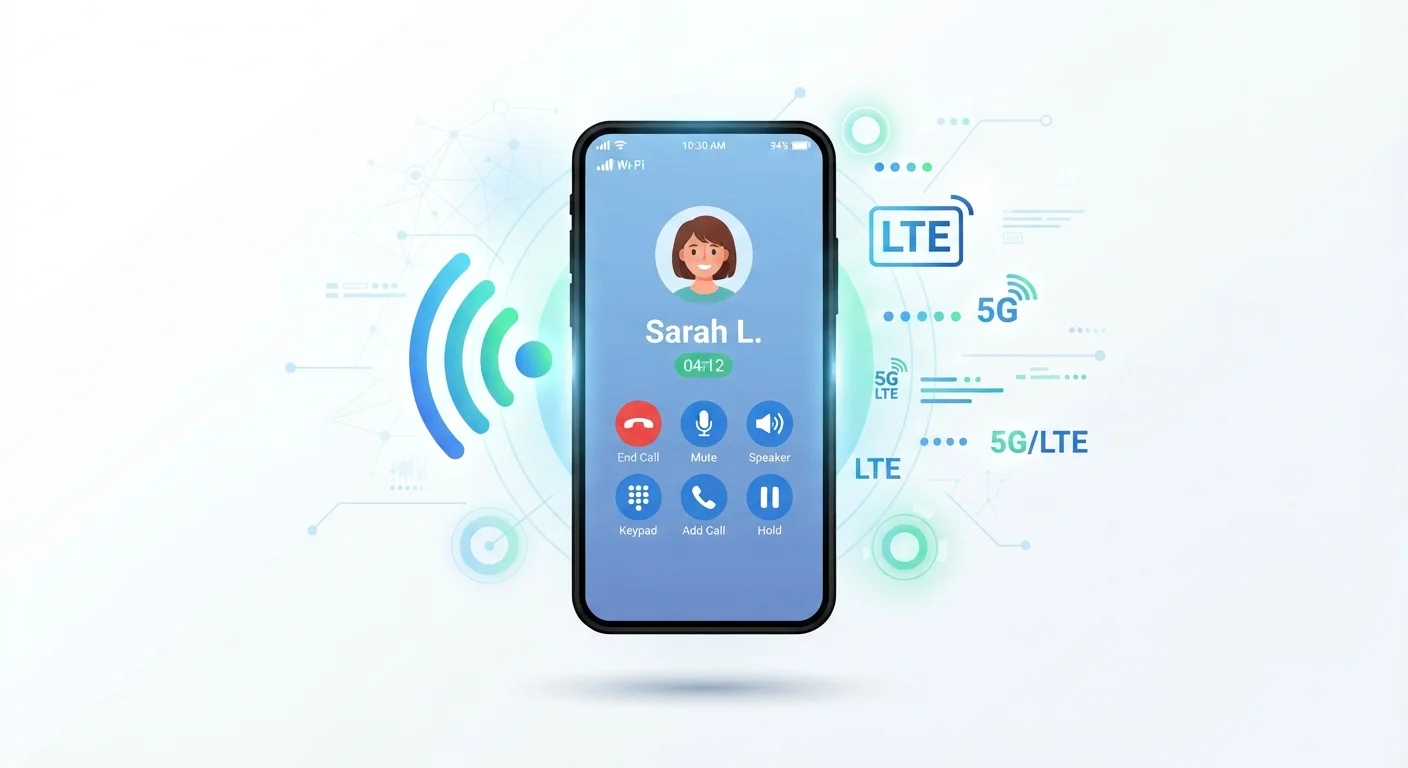
Wi-Fi Calling and Voice over LTE (VoLTE) are two technologies that let your smartphone make and receive calls without depending on a traditional cellular voice signal. Wi-Fi Calling routes your voice through a nearby internet connection, while VoLTE sends voice as data packets over a 4G LTE network. Both are designed to improve call reliability in spots where the standard cellular signal is weak or absent.
VoLTE uses IP Multimedia Subsystem (IMS) protocols to transmit voice as data over LTE, enabling higher audio fidelity (HD Voice) compared to legacy circuit-switched 2G/3G calls.
The Problem These Technologies Solve
Traditional cellular voice calls rely on a dedicated radio channel between your phone and a nearby tower. When that signal is weak - think thick concrete walls, a rural valley, or an office building basement - call quality degrades or drops entirely. Carriers developed two complementary solutions to fill these gaps: Wi-Fi Calling and Voice over LTE (VoLTE).
Understanding the difference matters more than ever. As carriers have retired their 3G networks, voice calls that once fell back to older standards now need a different path. For a broader look at how wireless terminology can get tangled, see our plain-English guide to carrier jargon.
3G
Legacy network standard largely retired by U.S. carriers
All three major U.S. carriers completed their 3G network shutdowns between 2022 and 2023, making VoLTE support a practical requirement for most voice calls.
~1-3 MB
Approximate data used per minute of Wi-Fi Calling
Voice-over-IP calls use a fraction of the data consumed by video streaming, making Wi-Fi Calling negligible on most broadband connections.
HD Voice
Audio quality standard enabled by VoLTE
VoLTE's wideband audio captures frequencies roughly twice the range of legacy circuit-switched calls, producing noticeably clearer voice quality on supported devices and networks.
How Wi-Fi Calling Works
When Wi-Fi Calling is enabled on a compatible phone, your device automatically routes voice calls through whatever Wi-Fi network you're connected to - your home broadband, a workplace network, or even a hotel connection - instead of through the cellular network. Your carrier's infrastructure still handles the call; the data just travels a different first mile.
From the recipient's perspective, a Wi-Fi call looks identical to any other call from your number. There's no special app required and no separate phone number. Your regular phone number is used, and the switch happens invisibly in the background.
Check Your Settings Before You Need It
Don't wait for a dropped call to discover Wi-Fi Calling is turned off. Take a moment now to confirm both Wi-Fi Calling and VoLTE are enabled in your phone's cellular settings. Some devices have them off by default, and enabling them takes less than a minute.
One important distinction: Wi-Fi Calling is most useful when you have internet access but poor cellular coverage. It does not work without a Wi-Fi or data connection of some kind. For a deeper comparison of how your phone chooses between connections, see our article on when Wi-Fi calling and cellular calls switch.
How VoLTE Works
Voice over LTE treats a voice call as a stream of data packets, similar to how a video call or streaming music works - but entirely within your carrier's LTE network. Unlike Wi-Fi Calling, VoLTE does not require an internet connection or a separate Wi-Fi network. It uses the same 4G LTE radio signal your phone already uses for mobile data.
The practical benefit is audio quality. VoLTE supports HD Voice, a wideband audio standard that captures a fuller range of vocal frequencies, making voices sound clearer and more natural than the compressed audio of older 2G and 3G calls. Call setup time is also typically faster with VoLTE.
Because 3G shutdowns have eliminated older fallback options, VoLTE has become the baseline for voice calls on modern U.S. networks. If your phone does not support VoLTE, it may be unable to make reliable voice calls on current carrier infrastructure. The underlying wireless technologies that make all of this possible are explained in our piece on wireless technologies on your phone.
Enabling and Troubleshooting Both Features
Both Wi-Fi Calling and VoLTE need to be supported by three things simultaneously: your carrier's network, your phone's hardware and software, and your account plan. Even if your phone is capable, a carrier plan - particularly some prepaid or MVNO plans - may not enable these features by default.
To check: on most iPhones, look under Settings > Cellular > Cellular Data Options or Wi-Fi Calling. On Android devices, the path varies by manufacturer but is typically found under Settings > Network & Internet > Calls or within the Phone app's settings. If the toggle isn't visible, your plan or device may not support it - contacting your carrier directly is the clearest way to confirm.
Emergency Calls and Wi-Fi Calling
When making a 911 call over Wi-Fi Calling, your registered address - not your real-time GPS location - may be sent to emergency services. Carriers typically ask you to register a location when you first enable Wi-Fi Calling. If you move frequently, keep this address updated to ensure accurate emergency response.
Consumers on MVNO plans - carriers that lease network space from larger carriers - should pay particular attention here. Not all MVNOs pass through Wi-Fi Calling or VoLTE capabilities, even when the underlying network supports them. Our guide to how MVNOs work can help you understand what to ask before signing up. If you're evaluating a new plan, our article on reading a wireless plan before committing outlines what to look for in the fine print.