

Key Takeaways
- OS updates contain several distinct types of changes, not just one kind of fix.
- Security patches close vulnerabilities that could expose your personal data to attackers.
- Kernel and driver updates change how your hardware and software talk to each other.
- Feature updates modify the visible interface and add new capabilities to the OS.
- Skipping updates for extended periods can leave a device progressively more exposed.
- Understanding update types helps you prioritize them more confidently.
Operating System Update
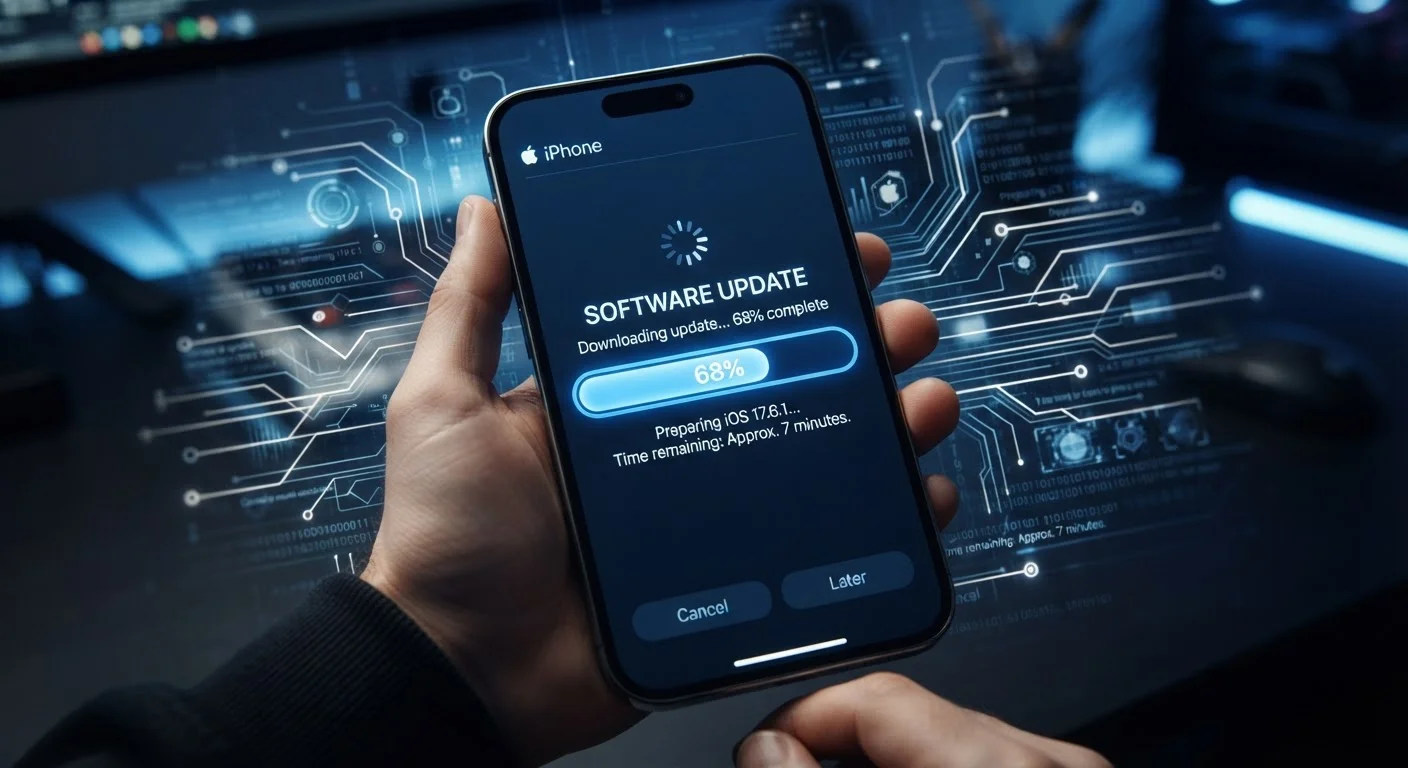
An operating system (OS) update is a package of changes delivered by a device's software maker that modifies how the device runs at its core. These packages can include security patches, performance improvements, new features, and changes to how hardware and software communicate. When your phone or computer prompts you to update, it's offering a revised version of the software layer that manages everything your device does.
Updates are typically distributed as delta packages - meaning only the changed files are downloaded, not the entire OS - reducing bandwidth requirements while still replacing the relevant system components.
The Four Layers That Updates Actually Touch
When your device notifies you of a pending update, it rarely says exactly what is changing. Most update descriptions use vague language like "bug fixes and performance improvements." In practice, an OS update can touch up to four distinct layers of your device's software stack.
Security patches are the most time-sensitive component. They close specific vulnerabilities - weaknesses in the OS code that could allow unauthorized access to your data, your microphone, or your network traffic. Researchers and engineers continuously find these flaws, and patches are the manufacturer's response. This is why security-only updates are often released on their own schedule, separate from feature releases.
Kernel and driver updates operate below what you see on screen. The kernel is the core of the OS - it manages memory, processor time, and communication between software and hardware. Driver updates refine how the OS talks to specific components: the camera sensor, the cellular radio, the fingerprint reader. These changes rarely produce visible results but can meaningfully affect battery life, camera quality, and call stability. For more on the wireless components that drivers often govern, see our guide to Bluetooth, Wi-Fi, and NFC.
System app and framework updates refresh the built-in applications and the code libraries that all apps share. Changes here can affect how notifications behave, how permissions are handled, or how smoothly animations run across the entire interface.
Feature updates are the changes most users notice - a redesigned settings menu, a new camera mode, or a revised notification center. These are more common in major version releases and represent the manufacturer's evolving vision for the product.
Security Patches: Why Timing Matters
Security vulnerabilities follow a predictable cycle. A flaw is discovered - sometimes by the manufacturer's own team, sometimes by independent researchers, and occasionally by malicious actors first. Once a patch is developed and released, the underlying vulnerability often becomes public knowledge. That means devices still running the older, unpatched OS become easier targets after a patch ships, not before.
~30 days
Average patch gap after vulnerability disclosure
Security researchers generally estimate that once a vulnerability is publicly disclosed, unpatched devices become significantly more exposed within weeks as exploit code circulates.
~40%
Android devices on outdated OS versions
Industry analysis has consistently found that a significant share of active Android devices run OS versions no longer receiving security patches, largely due to fragmented update distribution.
This is the core reason security professionals consistently emphasize installing patches promptly. It's not that unpatched devices are immediately under attack - it's that the window of exposure widens the longer the patch goes uninstalled. For everyday users, the practical takeaway is simple: security updates deserve priority over convenience.
To keep your device in good overall shape alongside timely updates, maintaining a few consistent habits around storage and battery health goes a long way.
What "Performance Improvements" Actually Means
"Performance improvements" is one of the most overused and least explained phrases in software release notes. In practice, it can mean several different things depending on the update.
At the kernel level, performance work often involves memory management refinements - how the OS decides which apps stay active in the background and which get suspended. Better memory management can reduce app reload times without you changing any settings.
Updates can also retune processor scheduling - the rules that determine how computing tasks are distributed across a device's processor cores. Modern smartphones and computers have multiple cores running at different power levels; smarter scheduling can improve speed during demanding tasks while reducing battery drain during lighter ones.
Finally, some performance updates address rendering and animation on the display side, smoothing out the visual experience of scrolling or switching between apps. If you've ever noticed a device feel snappier after an update without any new features appearing, this is usually why. If you're evaluating a new device and wondering which specs actually affect day-to-day experience, our breakdown of smartphone specs offers useful context.
Enable Automatic Updates for Security Patches
Most phones and computers allow you to separate security updates from feature updates in settings, letting security patches install automatically while giving you control over larger version upgrades. Enabling automatic security updates is one of the lowest-effort, highest-impact steps you can take to protect your device and data.