

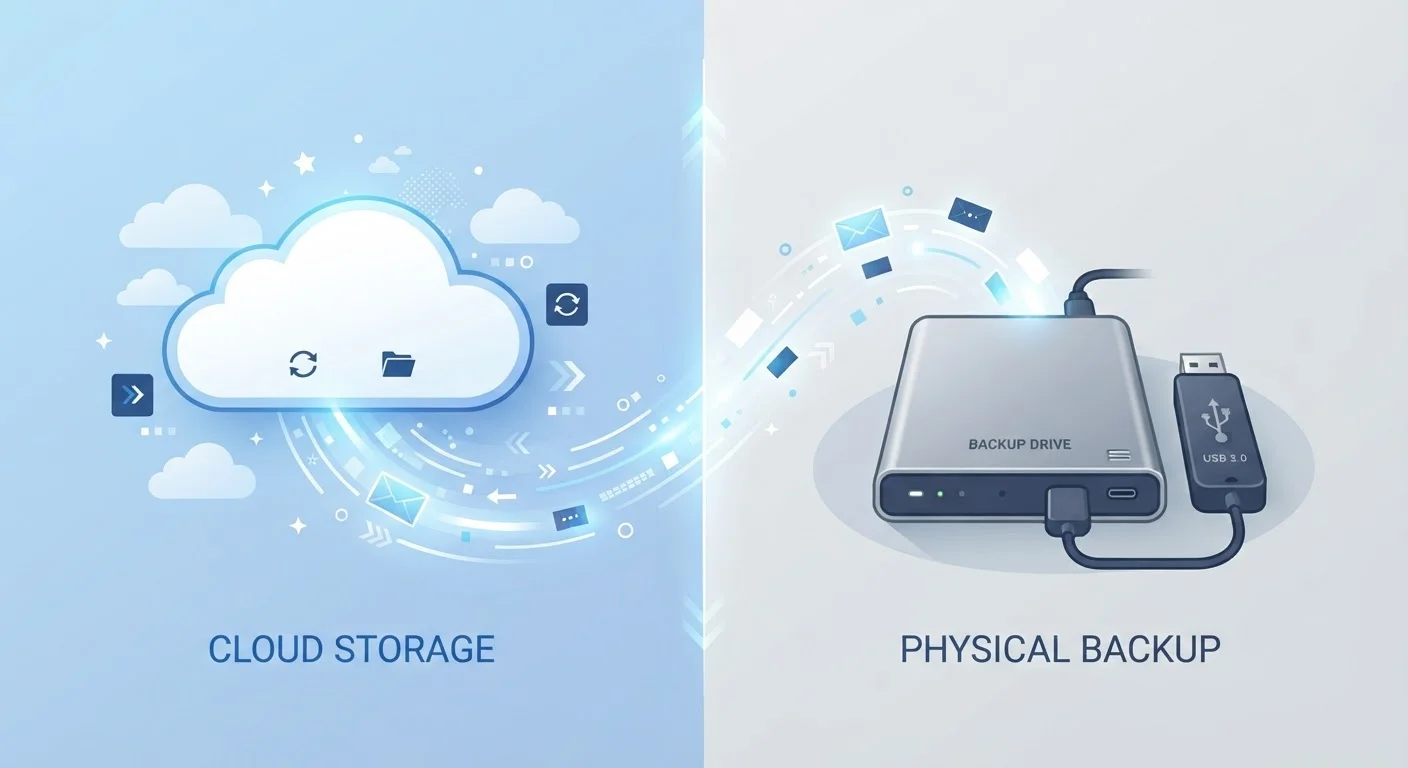
Key Takeaways
- Cloud storage saves your files on remote servers maintained by a third-party provider, not on your device.
- Local storage keeps files on physical hardware you own - your phone, computer, or an external drive.
- Cloud storage requires internet access; local storage works completely offline.
- Running out of local space is a common reason phones and computers slow down.
- Both storage types have genuine trade-offs in privacy, accessibility, and reliability.
Option A
Cloud Storage
Files stored on remote servers, accessible anywhere with internet.
Best for: Users who need access across multiple devices or want automatic backups without managing hardware.
Option B
Local Storage
Files saved directly on your device or a physical drive.
Best for: Users who need fast, offline access to large files or prefer to keep data physically under their control.
If you work across multiple devices and need files everywhere
Cloud Storage
Cloud storage keeps your files in sync across phones, tablets, and computers automatically, so you never have to manually transfer anything.
If you handle large media files or frequently work offline
Local Storage
Local storage offers fast access and no dependency on internet speed or data caps, which matters most for video editors, photographers, and frequent travelers.
If you're concerned about running out of phone storage
Cloud Storage
Offloading photos and documents to the cloud frees up device space without deleting anything permanently.
If you want full control over where your data physically lives
Local Storage
With local storage, your files are not on any third-party server, which appeals to users with specific privacy or security concerns.
What These Terms Actually Mean
When your phone warns you that storage is nearly full, or when an app asks whether to "save to device or cloud," these aren't just preferences - they describe two fundamentally different ways your files exist in the world.
Local storage refers to physical hardware: the built-in memory chip inside your smartphone, the hard drive in your laptop, or an external drive you plug in. When you save something locally, it sits on that hardware - accessible instantly, no internet required.
Cloud storage means your file is uploaded to and stored on servers operated by a company (like Google, Apple, or Microsoft) in a data center, often hundreds of miles away. When you open that file later, your device fetches it from those servers over the internet.
Neither approach is simply better - they solve different problems. Understanding which one you're using at any given moment helps you avoid surprises like missing files when your Wi-Fi is down, or a full device that won't take new photos. For related habits that affect your device's overall health, see keeping your smartphone performing well over time.
| Criterion | Cloud Storage | Local Storage |
|---|---|---|
| Where files live | Remote servers (data centers) | Physical hardware you own |
| Internet required | Yes, for access | No - fully offline |
| Typical free capacity | 5-15 GB (provider-dependent) | Device's built-in storage |
| Risk of data loss | Low (server redundancy) | Higher if device is lost or damaged |
| Privacy control | Subject to provider's terms | Stays on your hardware |
| Access speed | Dependent on internet speed | Fast, instant local access |
| Multi-device sync | Automatic across devices | Manual transfer required |
Key Practical Differences
Internet dependency is the most immediate difference. Local files are available the moment you tap them, regardless of signal. Cloud files generally require a connection - though many apps let you "download" cloud files temporarily to your device for offline use. This matters on flights, in rural areas, or anywhere connectivity is unreliable.
Storage capacity works differently too. Your device has a fixed amount of local storage - typically between 64 GB and 1 TB for modern smartphones. Cloud services usually offer a base amount of free space (commonly 5 to 15 GB depending on the provider) before a monthly subscription fee applies. If you frequently shoot video or store large documents, you're likely to hit local limits first.
Backup and redundancy is where cloud storage has a structural advantage. Local-only files disappear permanently if your device is lost, stolen, or damaged beyond repair. Cloud-stored files are typically duplicated across multiple data center servers, making them more resilient to hardware failure. That said, cloud accounts can be compromised, and providers have their own outage risks.
64 GB-1 TB
Typical local storage range on modern smartphones
Most mid-range and flagship smartphones ship with storage options in this range, though actual usable space is lower after the operating system is accounted for.
5-15 GB
Free cloud storage offered by major platforms
Major cloud platforms commonly provide a free storage tier; capacity varies by provider and is subject to change.
Privacy considerations differ in ways that matter to many users. Files stored locally stay on hardware you own. Files stored in the cloud are subject to the provider's terms of service, data retention practices, and - in some cases - government requests. Understanding what you agree to when signing up for a cloud service is worth the effort. The topic of understanding trade-offs before committing parallels how one should think about managing financial decisions thoughtfully - small choices with long-term implications.
Finally, consider how cloud and local storage interact with how your device plays back media. Streaming a movie, for instance, works differently from downloading it. For a clear breakdown of those mechanics, see how streaming, downloading, and caching differ.
Using Both Together - The Practical Approach
Most people already use both storage types simultaneously without realizing it. Your downloaded apps live locally. Your photos may sync automatically to iCloud or Google Photos. Your work documents might exist in both places - a local copy on your laptop and a cloud copy that updates whenever you're online.
A common practical strategy is to keep frequently accessed or large working files locally for speed, while relying on cloud backup for anything you'd be devastated to lose - family photos, financial documents, important correspondence. This reduces both the risk of hardware failure and the friction of working offline.
If your device is running low on local storage, auditing which files are duplicated in the cloud already can free up significant space without deleting anything you need. Most smartphones now include built-in tools to identify which photos or files are safely backed up and can be removed from local storage.
Neither storage type is a complete solution on its own. Cloud storage with no local backup means you're dependent on continuous internet access and a third-party company's operations. Local storage with no cloud component means a single hardware failure could be catastrophic. Used together with some awareness of where each file actually lives, both become far more reliable tools.
This article provides general technology information for educational purposes. Storage service terms, pricing, and features vary by provider and change over time - verify current details directly with any service you're considering.