

Key Takeaways
- Your internet plan sets a speed ceiling, but your router determines whether you ever reach it.
- ISP-provided rental equipment is often older hardware that may bottleneck your connection.
- Router placement - not just hardware - has a significant impact on Wi-Fi coverage and signal strength.
- Wi-Fi standards like Wi-Fi 6 improve performance in homes with many connected devices.
- A router upgrade can improve real-world speeds without changing your internet plan.
Home Router
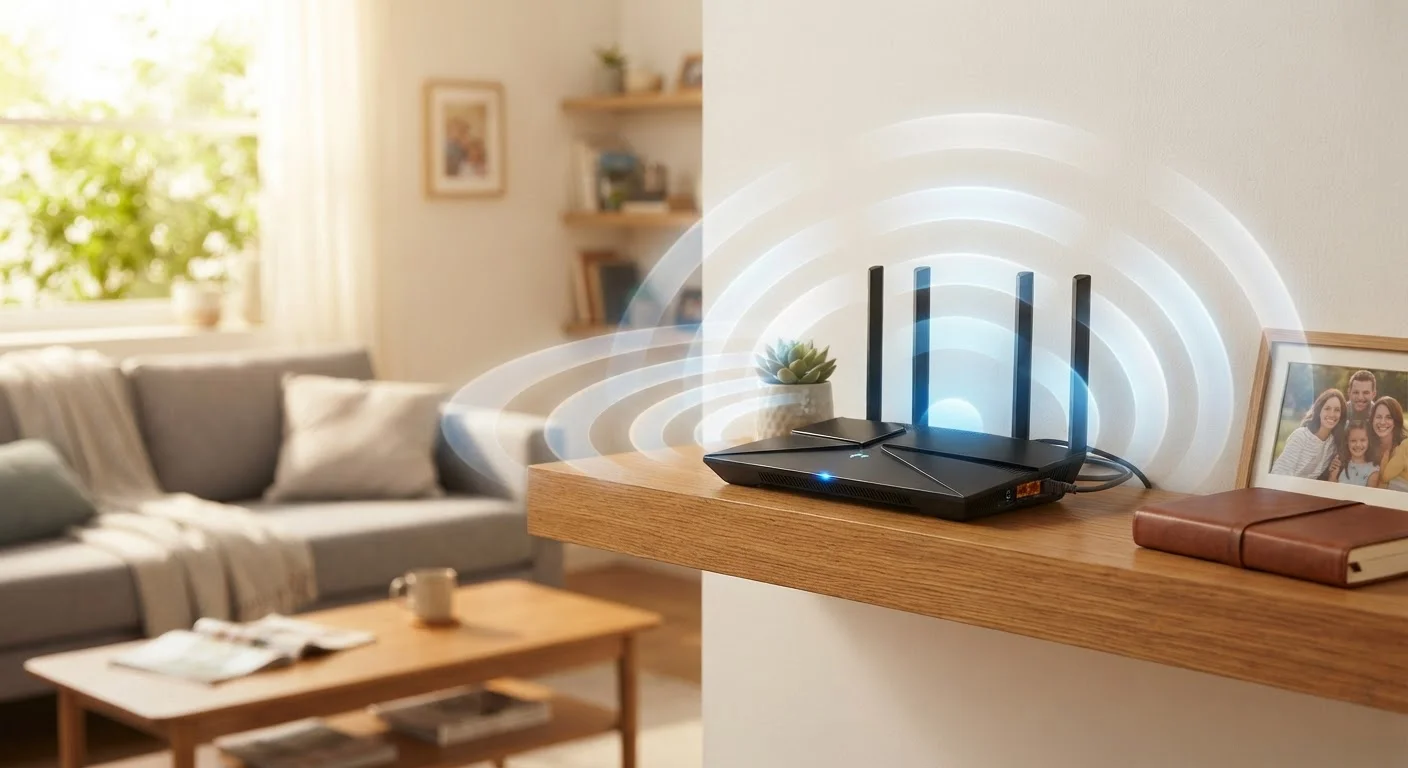
A router is a networking device that receives your internet signal from your ISP and distributes it to every device in your home - either through Wi-Fi or a wired Ethernet connection. Think of it as a traffic director: all data moving in and out of your home network passes through it. The quality, age, and placement of your router directly affect what speeds your devices actually experience, regardless of the plan you're paying for.
Routers operate on wireless standards (such as Wi-Fi 5 or Wi-Fi 6/6E) that determine maximum throughput, band support, and how efficiently the device handles multiple simultaneous connections.
The Gap Between Your Plan and What You Actually Get
Internet service providers advertise speeds in ideal conditions - a direct, uninterrupted connection from their infrastructure to your device. In reality, that data passes through your router before reaching your phone, laptop, or smart TV. If your router is outdated, poorly placed, or overwhelmed by too many simultaneous connections, you'll consistently see speeds well below what your plan promises.
This is one of the most commonly overlooked explanations for sluggish home internet. As explained in why advertised speeds rarely match real-world performance, the gap between what you pay for and what you experience often originates inside your home - not at the ISP level.
Your plan defines a ceiling. Your router determines whether you ever reach it.
What Your Router Actually Controls
Many people assume their modem or the cable coming through the wall is the only hardware that matters. In practice, the router handles everything that happens after the signal enters your home. It assigns IP addresses to each device, manages data traffic across all simultaneous connections, and broadcasts your Wi-Fi signal on one or more frequency bands.
Older routers - particularly those running on the Wi-Fi 4 (802.11n) or Wi-Fi 5 (802.11ac) standard - may struggle to efficiently handle the volume of devices in a modern household. Smart speakers, thermostats, streaming sticks, gaming consoles, laptops, and phones all compete for bandwidth. A router without sufficient processing power or modern band management will create congestion even when your ISP connection is fast and stable.
For a closer look at how routers function and why their design choices matter, see what your router actually does and why its location matters.
~40%
Speed loss from router bottlenecks
Industry networking analyses consistently find that aging or poorly positioned routers can reduce effective throughput by a third to nearly half of a plan's advertised speed.
16+
Average connected devices per U.S. household
According to Deloitte's Digital Media Trends survey, the average American household has over 16 internet-connected devices - a load that strains routers not designed for modern demand.
4-6 years
Typical useful lifespan of a home router
Most networking guidance suggests routers become meaningfully outdated within four to six years as Wi-Fi standards and device capabilities evolve.
Placement: The Factor Most Households Ignore
Even a high-quality router will underperform if it's tucked inside an entertainment cabinet, sitting on the floor in a corner, or positioned on one end of a multi-story home. Wi-Fi signals travel outward in all directions and degrade when they pass through walls, floors, furniture, and appliances - particularly those that emit radio frequency interference, like microwaves and cordless phones.
The general principle is straightforward: place your router as centrally as possible, at a moderate height, in open air. In a two-story home, the middle of the main floor typically offers the best coverage across both levels. Homes with long or irregular layouts may benefit from a mesh Wi-Fi system, which uses satellite nodes to eliminate coverage dead zones rather than relying on a single broadcast point.
Quick Placement Test for Your Router
Run a speed test on a device directly next to your router, then repeat the test from the room where you most often experience slow speeds. A large difference between the two results points to a placement or coverage issue rather than a problem with your internet plan itself. This simple comparison can help you decide whether repositioning your router or adding a mesh node is worth pursuing.
ISP Equipment vs. Owned Hardware
When you rent a modem-router combo from your ISP, you're using equipment the provider selected - often prioritizing cost and compatibility over performance. That hardware may be several generations behind current Wi-Fi standards and may not be updated or replaced unless you specifically request it.
Owning your router gives you control over the hardware generation, features, and configuration. It also removes monthly rental fees from your bill, though the upfront cost of capable hardware varies. Before purchasing any third-party equipment, confirm with your ISP that the device is compatible with your type of service connection (cable, fiber, DSL, or fixed wireless have different requirements).
If you're unsure whether your current speeds are a hardware problem or a plan limitation, it's worth reviewing how much internet speed your household actually needs before making any changes.
When to Upgrade - and What to Look For
A router upgrade is worth considering if your current device is more than five years old, doesn't support at least Wi-Fi 5 (802.11ac), or struggles to maintain stable connections with more than a handful of devices. Wi-Fi 6 (802.11ax) routers offer meaningful improvements in congested environments - they handle multiple device connections more efficiently using a technology called OFDMA (Orthogonal Frequency Division Multiple Access), which essentially lets the router serve several devices simultaneously rather than sequentially.
For larger homes, a mesh system is often more practical than a single high-powered router. Mesh nodes communicate with each other to maintain a seamless network, so a device moving through your home stays connected without dropping signal.
Whatever hardware you choose, pairing it with the right plan matters. The relationship between connection type, speed tiers, and household size is covered in detail in everything that shapes home internet reliability and what you can control.