

Key Takeaways
- Incognito mode hides your browsing history locally but does not conceal activity from your internet provider or employer.
- Websites, advertisers, and network operators can still identify and track you while you browse privately.
- Private browsing is useful for specific tasks - like shared devices - but is not an anonymity tool.
- A VPN provides a meaningfully different layer of privacy than incognito mode alone.
What Incognito Mode Actually Does
Private browsing - whether Chrome calls it Incognito, Firefox calls it Private Window, or Safari calls it Private Browsing - does one thing reliably: it stops your browser from saving a local record of your session. When you close the window, your browsing history, cookies, site data, and any information entered into forms are deleted from that device.
That is genuinely useful in narrow situations. Using a shared family computer to check a personal account, shopping for a surprise gift on a partner's laptop, or logging into a second account on a site you already use - these are the scenarios private browsing was designed for. It tidies up after you locally, nothing more.
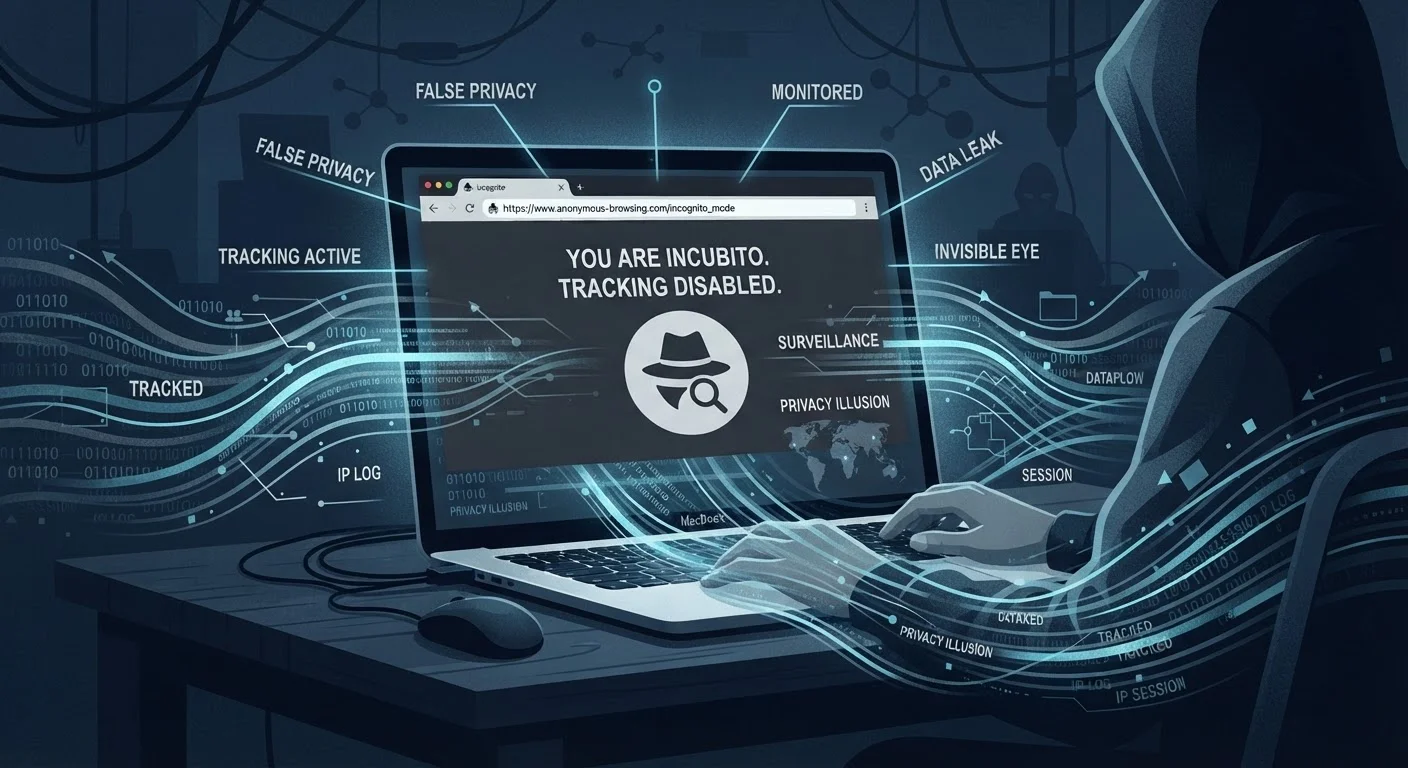
The confusion arises because the word "private" implies something much stronger than what the feature actually delivers. Most users assume the mode creates a shield between them and the internet at large. It does not. Everything that flows between your browser and the wider web - every page request, every login attempt, every video streamed - is just as visible to outside parties as it would be in a normal session.
Don't Rely on Incognito for Sensitive Research
If you are researching sensitive topics - medical questions, legal situations, financial decisions - on a monitored or shared network, incognito mode alone does not protect that activity from your ISP, network administrator, or the sites themselves. For a broader look at network exposure risks, see our coverage of public Wi-Fi security habits. Consider using a reputable VPN and be deliberate about the networks you use.
Common Myths - Corrected
The misconceptions around incognito mode are remarkably consistent across user groups. Below are the most widespread, paired with what the evidence actually shows.
Myth
Incognito mode hides my activity from my internet service provider.
Fact
Your ISP can still see every domain you visit and the volume of data you transfer, regardless of browser mode.
Your browser's private mode only controls what is stored on your device. The moment a data packet leaves your computer, it passes through your router and then your ISP's infrastructure. Your provider can see which domains you're requesting - and in many cases more detail than that. Incognito mode does nothing to encrypt or reroute that traffic.
Myth
Websites can't track me or identify me when I'm in a private window.
Fact
Websites can still detect your IP address, device fingerprint, and behavioral signals during an incognito session.
Tracking does not rely solely on cookies saved to your device. Your IP address - which identifies your approximate location and network - is visible to every site you visit. Beyond that, techniques like browser fingerprinting collect details about your screen resolution, installed fonts, browser version, and system settings to create a profile that can identify you across sessions, even without cookies. Incognito mode clears cookies when you close the window but does nothing about fingerprinting or your IP address.
Myth
My employer or school can't see what I'm doing if I use incognito on their network.
Fact
Network administrators on managed networks can monitor traffic at the network level, regardless of which browser mode you use.
On a corporate or institutional network, traffic is often routed through monitoring tools, firewalls, or proxy servers that log activity before it ever reaches the open internet. Private browsing mode is a browser-level feature; network-level monitoring operates entirely outside the browser. If your organization has the infrastructure and the policy in place, incognito offers no protection against that visibility.
Myth
Incognito mode protects me from malware and hacking.
Fact
Private browsing has no security features that defend against malicious software or network attacks.
Incognito mode is a privacy feature in a very limited sense - it suppresses local history storage. It has no firewall, no malware scanner, no encrypted tunnel, and no mechanism that would make you harder to attack. If you visit a malicious site, download a harmful file, or connect over an unsecured network, the risks are identical to those in a standard browser session. Security and local privacy are separate concerns that require separate tools.
Myth
Logging into an account in incognito mode means that site can't link the session to me.
Fact
The moment you log into any account, the service associates that session with your identity - incognito or not.
This is one of the most consequential misunderstandings. If you sign into Google, Facebook, or any other platform while in a private window, that platform immediately knows who you are and can log your activity for that session just as it would normally. The incognito window will not save a local cookie after you close it, but the platform's own servers have already recorded the session. The privacy benefit in this scenario is minimal.
Understanding these distinctions matters beyond simple curiosity. If you rely on incognito mode to protect genuinely sensitive activity - financial research, medical queries, communications on a monitored network - you may be leaving yourself far more exposed than you intend. For a related look at how network exposure works in public spaces, see our article on the real risks of public Wi-Fi.
What Actually Provides Stronger Privacy
If local history deletion is all you need, incognito mode is sufficient. For anything beyond that, different tools serve different goals.
A VPN (Virtual Private Network) encrypts your traffic and routes it through a server elsewhere, masking your IP address from the sites you visit and making your activity harder for your ISP to read in detail. It does not make you fully anonymous - the VPN provider itself can log traffic - but it adds a layer that incognito mode simply does not provide.
The Tor browser goes further, routing traffic through multiple relays to obscure origin and destination. It comes with real trade-offs in speed and usability, but it is the closest widely available tool to genuine anonymity for ordinary users.
For most people, the practical takeaway is straightforward: use incognito for device-level privacy on shared hardware, use a reputable VPN when you want to limit what your network provider or the sites you visit can see, and treat neither as a guarantee. Misjudging what a tool covers is a pattern that appears in other areas too - from internet plan misconceptions to assumptions about what insurance policies protect. Knowing the actual scope of a tool is always the starting point.