

Key Takeaways
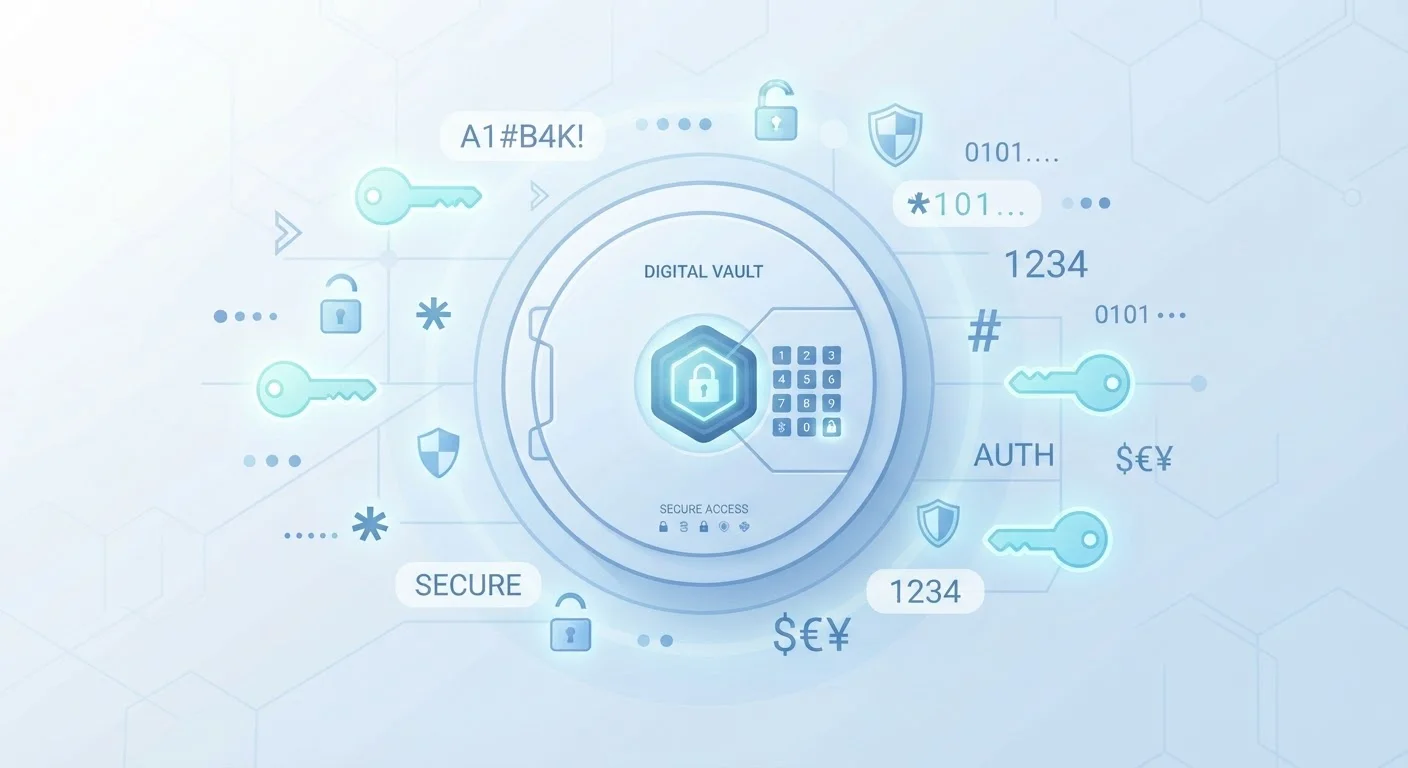
- A password manager stores all your login credentials in an encrypted vault, protected by one master password.
- Your stored passwords are scrambled using strong encryption so they are unreadable without the correct key.
- Password managers can generate long, random passwords automatically, eliminating the need to reuse passwords.
- Cloud-based managers sync across devices, while local managers store data only on your device.
- Using a password manager alongside two-factor authentication significantly strengthens your account security.
Start here
What a Password Manager Actually Is
Next
How Password Managers Work Under the Hood
Go deeper
The Master Password: Your One Key
Explore options
Types of Password Managers
Understand the value
Why Security Experts Recommend Them
What a Password Manager Actually Is
A password manager is an application that stores all of your login credentials - usernames, passwords, and sometimes security question answers - in a single encrypted location called a vault. Instead of trying to remember a unique password for every website and app you use, you remember just one strong password to unlock the vault. The manager handles everything else.
Think of it like a physical safe in your home. You keep valuables inside and only need to remember the combination. The contents are protected as long as the safe itself is secure and the combination stays private.
Vault
The encrypted storage area inside a password manager where all your login credentials are kept. Only someone with the correct master password can unlock and read its contents.
Encryption
A process that scrambles data into an unreadable format. Without the correct key, the scrambled data cannot be decoded, even by the company that built the password manager.
Master Password
The single password you create to lock and unlock your password manager vault. It is not stored anywhere by the service - you are solely responsible for remembering it.
Zero-Knowledge Architecture
A design approach where the service provider has no ability to see or access your stored data. Encryption and decryption happen on your device only, so the company never handles your actual passwords.
Autofill
A feature that automatically detects login forms on websites and fills in your saved username and password, saving you from typing and reducing errors.
Credential Stuffing
An attack method where hackers take username and password combinations leaked from one site and automatically try them on many other sites, exploiting people who reuse passwords.
How Password Managers Work Under the Hood
When you save a password, the manager does not store it as readable text. Instead, it uses a process called encryption to scramble the data into a form that is unreadable without the correct key. Most modern password managers use AES-256 encryption - the same standard used by financial institutions and government agencies - making brute-force attacks computationally impractical.
The crucial detail is that encryption and decryption happen on your device, not on the manager's servers. This is called zero-knowledge architecture: the company running the service never sees your actual passwords. Even if their servers were compromised, attackers would only obtain scrambled data they cannot decipher without your master password.
Your Password Manager Doesn't Know Your Passwords
This surprises many people: reputable password managers are built so that even their own employees cannot see what you have stored. Because encryption happens on your device before any data is transmitted, the company's servers only ever hold scrambled ciphertext. This is why losing your master password can be unrecoverable - there is no backdoor by design.
The Master Password: Your One Key
Your master password is the single credential that unlocks your entire vault. It is used to derive the encryption key that scrambles and unscrambles your stored data. This makes it the most important password you will ever create, and it should be both long and memorable - a phrase of four or more unrelated words works well.
Because the master password is never sent to or stored by the password manager's servers, losing it can mean losing access to your vault permanently. Most services offer a recovery key - a long code generated when you set up your account - which should be printed and stored somewhere physically safe.
Create a Strong, Memorable Master Password
Rather than a single complex word, consider using a passphrase - a sequence of four or more random, unrelated words strung together (for example, "staple-thunder-orbit-lamp"). Passphrases are long enough to be highly secure yet much easier to remember than a string of random characters. Avoid using personal information like birthdays or names.
Types of Password Managers
Password managers fall into two broad categories based on where your vault is stored:
- Cloud-based managers store your encrypted vault on remote servers and sync it across all your devices. You can access your credentials from any phone, tablet, or computer. The tradeoff is that your encrypted data lives on a third-party server.
- Local (offline) managers store the vault only on your device or a storage medium you control, such as a USB drive. There is no syncing unless you set it up manually, but your data never leaves your hardware.
Many people also use the built-in password managers included in browsers like Chrome or Safari, or in mobile operating systems. These are convenient and reasonably secure, but they typically offer fewer features than dedicated applications and may not work as smoothly across different browsers or platforms.
Why Security Experts Recommend Them
The most common cause of account breaches is password reuse. When one site is compromised and credentials leak, attackers try the same username and password combination across hundreds of other sites - a technique called credential stuffing. A password manager eliminates this risk by making it effortless to use a unique, randomly generated password for every account.
Password managers also help protect against phishing. Because autofill matches credentials to a site's exact address, the manager will not fill in your bank password on a fake site designed to look like your bank but with a slightly different URL.
For even stronger protection, pairing a password manager with two-factor authentication is widely recommended by cybersecurity professionals. See our guide to setting up two-factor authentication to learn which accounts to prioritize and how to get started.
Just as understanding the details of a policy helps you make sense of your coverage - whether that's a digital security tool or something like understanding how auto insurance actually works - taking the time to learn how a password manager functions helps you use it with confidence rather than guesswork.